Breather
Breather lives in your menu bar and reminds you to look away, stretch and stand up. It gives you a heads-up first, waits when you're busy, and never gets in the way of your work.
20-20-20 eye breaks
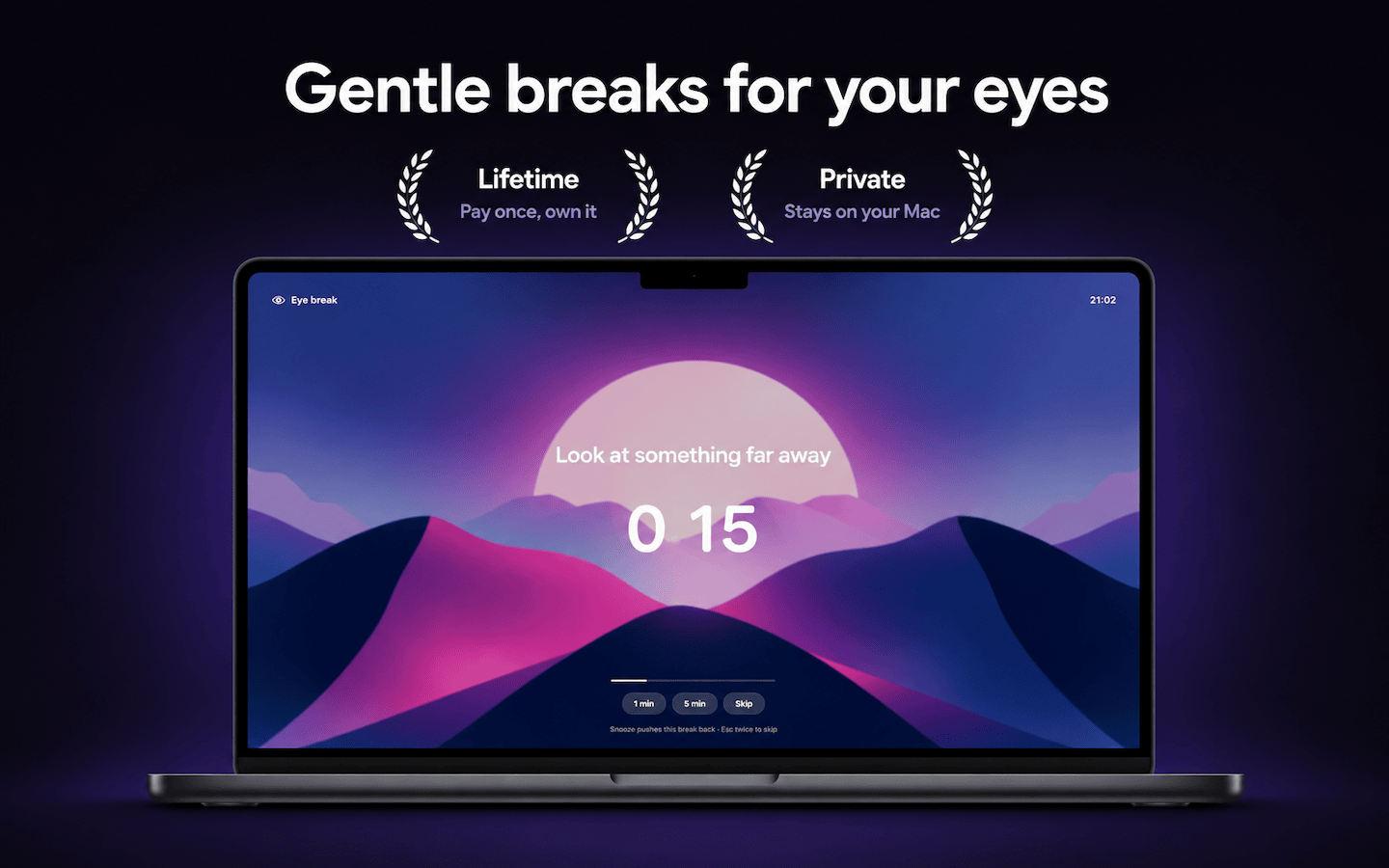
Every 20 minutes, look at something 20 feet away for 20 seconds. The simple habit eye doctors recommend, done for you.
Stretch and move
Longer breaks remind you to stand up, stretch your back and walk around before stiffness sets in.

Calm break screens
A full screen pause with your wallpaper, a blurred desktop or a gradient, a big countdown and a guided breathing circle.
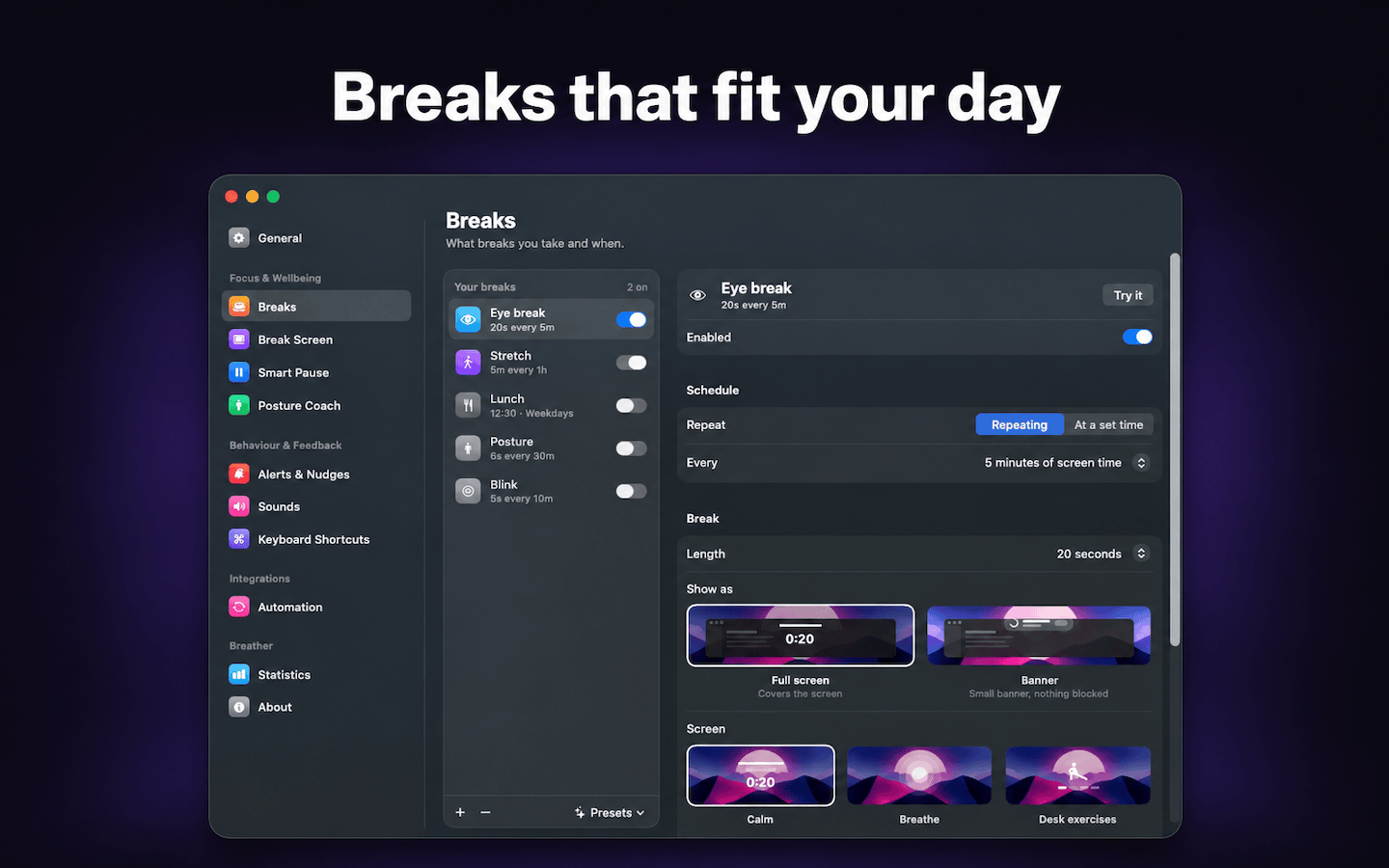
Breaks that fit your day
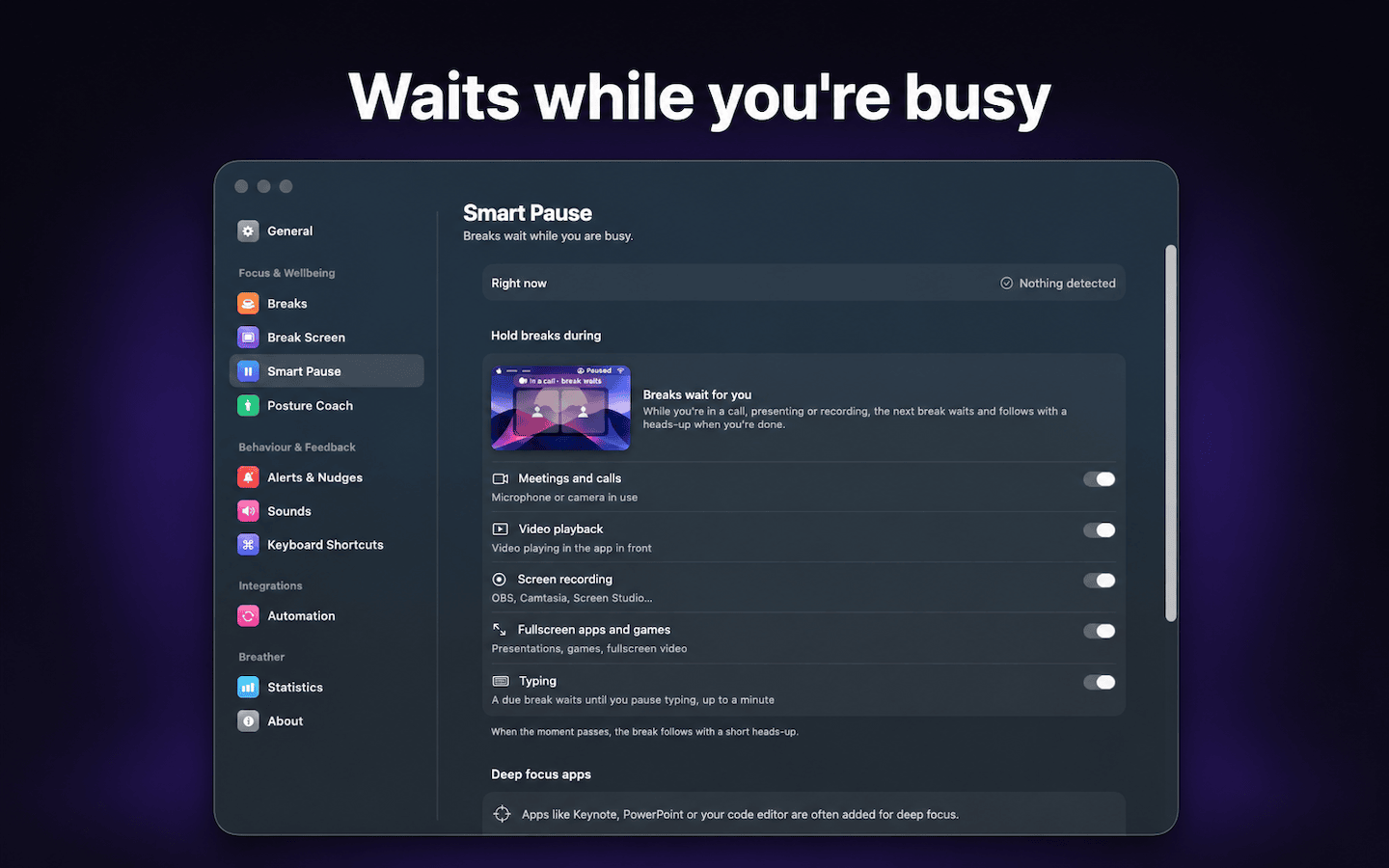
Waits while you're busy
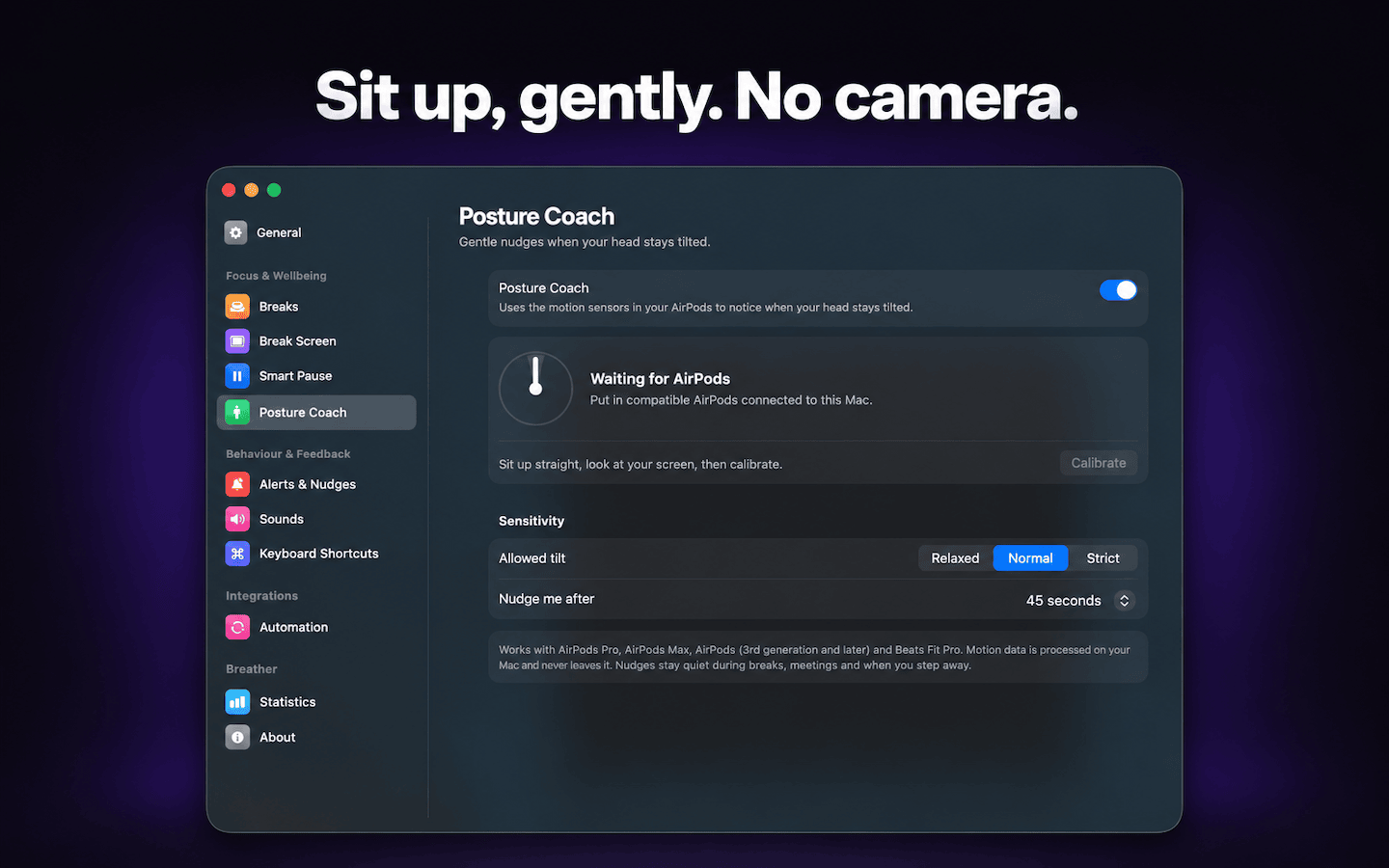
Sit up, gently
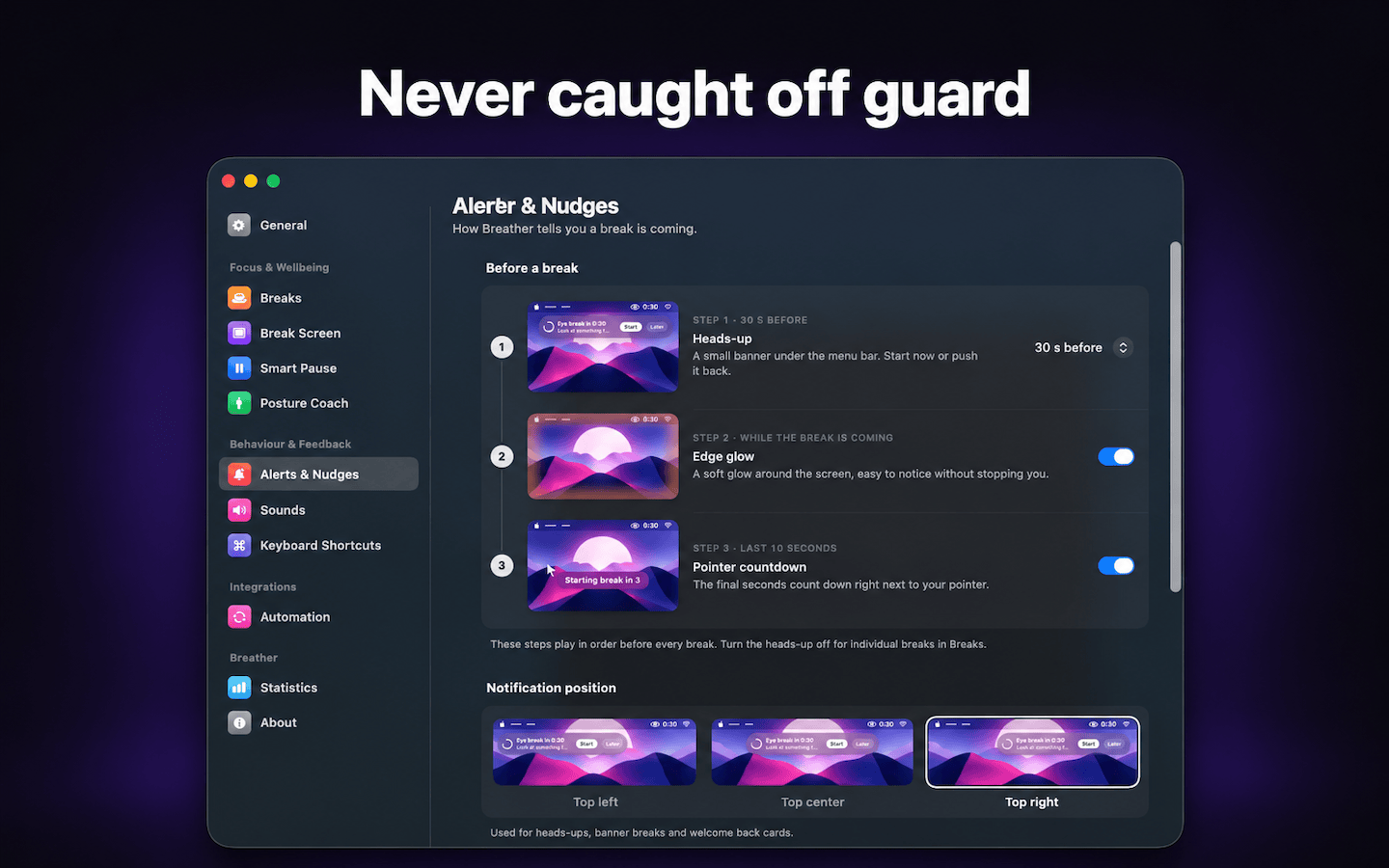
Never caught off guard
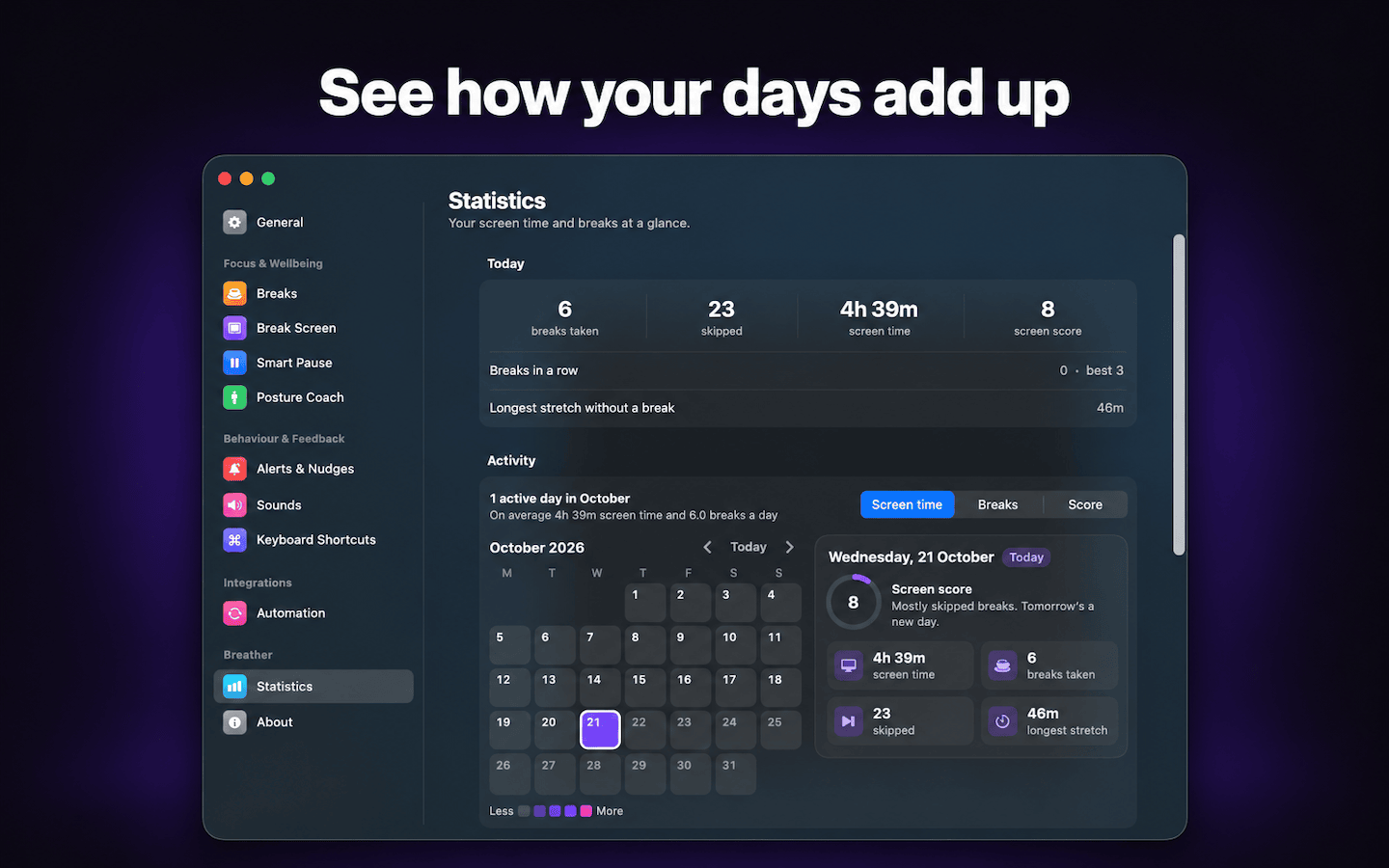
See how your days add up
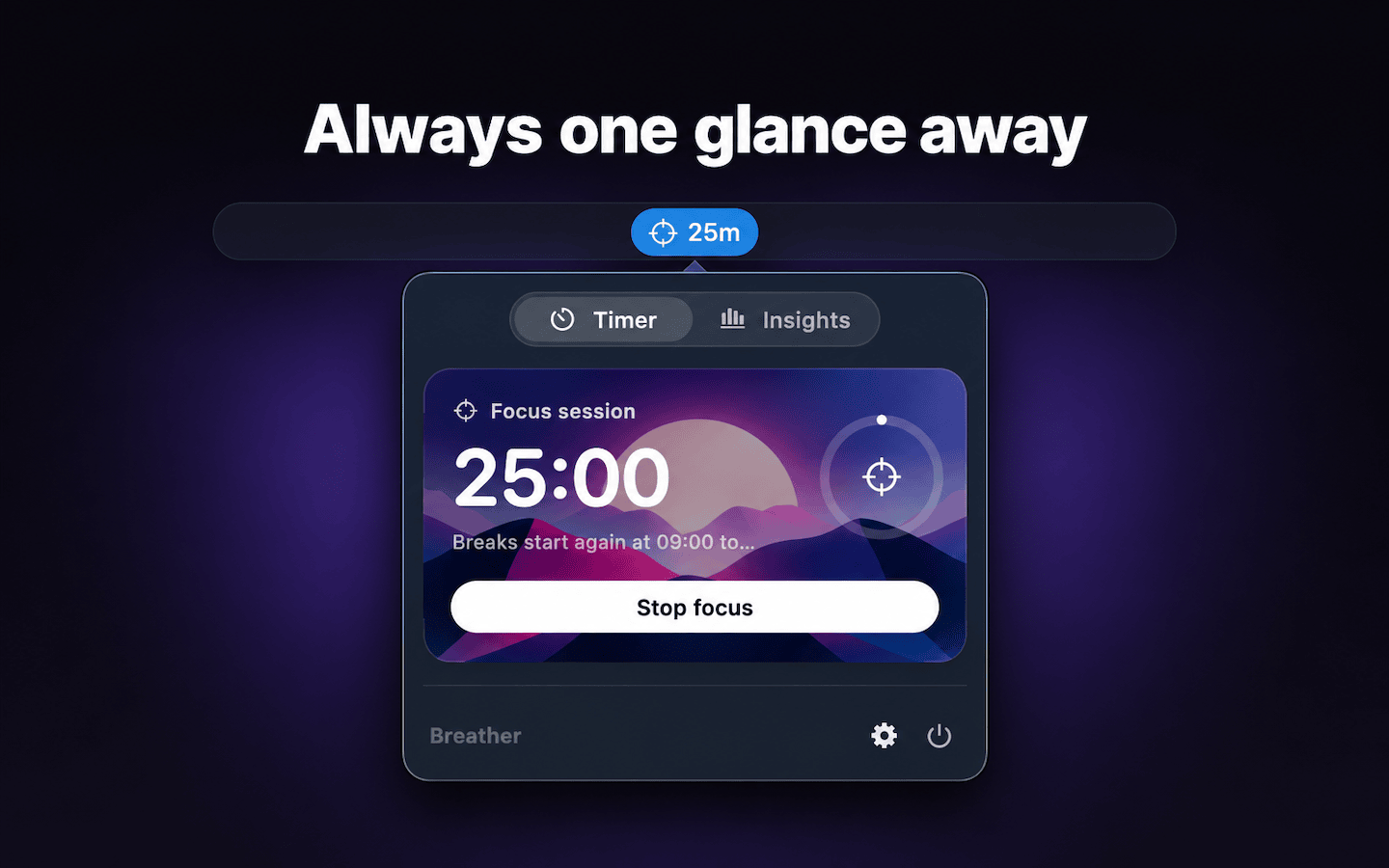
Always one glance away

Native and light
Written in SwiftUI. Runs quietly in the background without slowing your Mac down.

Private by design
No account, no ads, no camera. Your break history, screen time and app usage stay on your Mac. Anonymous usage stats can be turned off.

No subscription
Free to use, with a one-time purchase for Pro. Pay once, keep it forever, including future Pro features.
Simple pricing
Choose the version that fits how you work.
Breather
Everything you need to take regular breaks
- Eye breaks and long breaks with a heads-up
- Up to 5 breaks of your own
- Work hours, idle detection and sounds
- Today's stats in the menu bar

Breather Pro
One-time purchase, no subscription. Try it free for 7 days
- Smart Pause for calls, videos, typing and focus apps
- Posture coach with AirPods
- Unlimited breaks of your own
- Custom break screens and backgrounds
- Full Insights, heatmap and app time limits
- Keyboard shortcuts and AppleScript
What people say about Breather
Great and simple app
Great and simple app. Solves my problem. I work too much sometimes and this app helps me to remember about taking breaks to give my back and eyes some rest.
Thomas
App Store review
Keeps my eyes healthy
It's nice seeing the timer in the menu bar telling me how much time is left until my next break, keeping my eyes healthy and adhering to the 20-20-20 rule.
Alice
App Store review
Has everything I need
I've tried many similar apps before, but none of them really work for me. Took me 1 month to find this app, it has everything I need, fully customizable. Highly recommend!
James
App Store review
Frequently asked questions
Yes. Eye breaks, long breaks, heads-ups and up to 5 breaks of your own are free. Breather Pro is a one-time purchase of $14.99, and you can try it free for 7 days.
No. Smart Pause holds breaks while you're on a call, sharing your screen, watching a video or still typing, and you can add apps where you never want to be interrupted.
It never uses the camera. Breather reads the head motion sensors of your AirPods, and only after you turn the feature on and allow access.
Yes. You can start a break early, postpone it by 1 or 5 minutes, or skip it. If you want to be stricter, you can limit snoozes or hide the skip button.
Your break history, screen time and app usage are stored only on your Mac. There's no account. Breather sends anonymous usage stats (which features are used, never app names, break names or anything on screen) to help improve the app, and you can turn this off in Settings › General.
Write to support@indiegoodies.com and you'll get a reply from the developer.