Blog
Both the 2021 MacBook Pro and the Pro Display XDR introduced in 2019 offer impressive display capabilities, with the ability to reach brightness levels of up to 1,600 nits. However, by default, these high levels of brightness are only achievable when viewing HDR videos. Under normal circumstances, users can typically achieve a maximum brightness of around 500 nits.
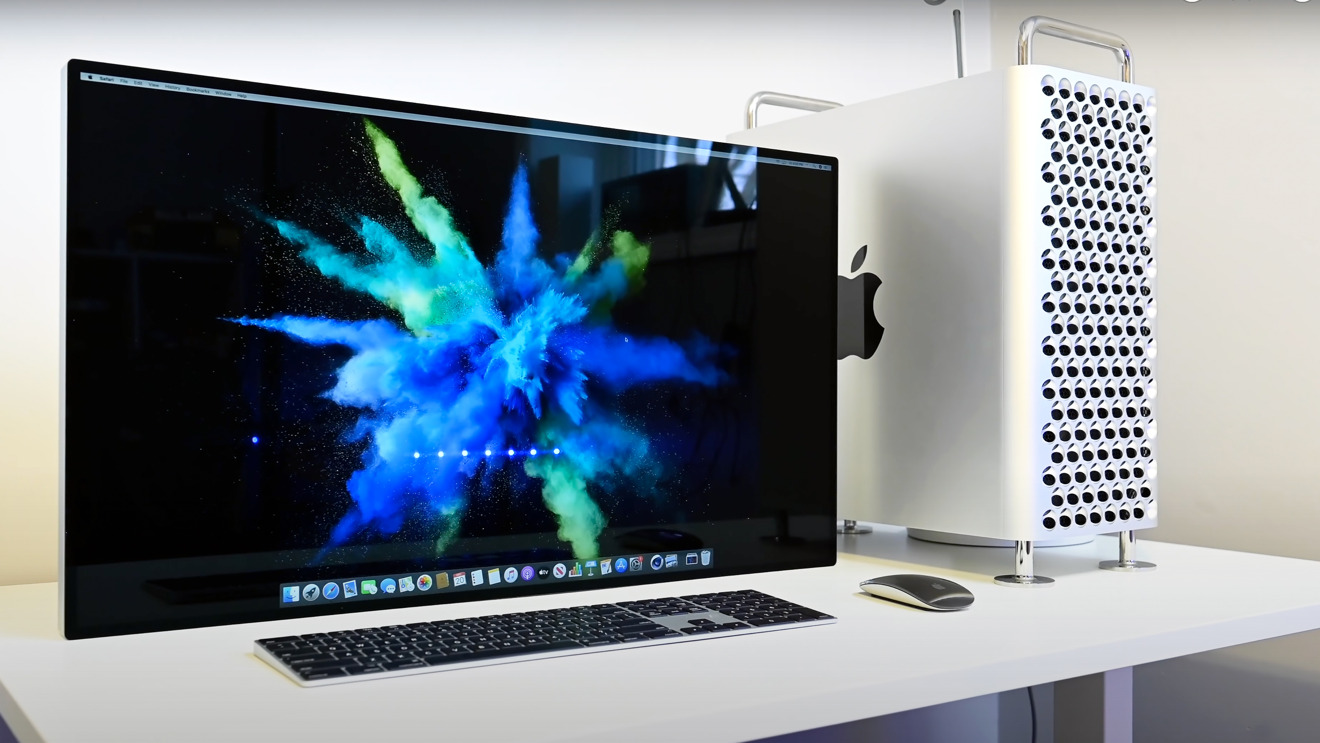
Increase Brightness
The powerful Almighty app enables you to easily modify numerous settings within macOS. While certain adjustments can be made through system settings or terminal commands, Almighty offers a more convenient way to optimize your Mac.
It allows you to customize the dock, clear the clipboard, reveal hidden files in Finder, display file extensions, configure Xcode, and much more. You can quickly access the software by simply clicking on its icon located in the macOS menu bar.
You can now experience the full potential of your MacBook Pro or Pro XDR Display by utilizing a new tweak from Almighty called Increase Brightness, it can enhance brightness to double its original capacity. With just a toggle, Almighty adjusts the brightness of your Mac to maxmium level in a safe manner. You can setup key binding or Shortcut to activate this tweak. Here is Almighty in action
Visit Almighty for over 50 cool Mac tweaks and extra utilities to supercharge your Mac experience.